
Now playing · Episode 2 of 15 · Get set up
Create your parent account
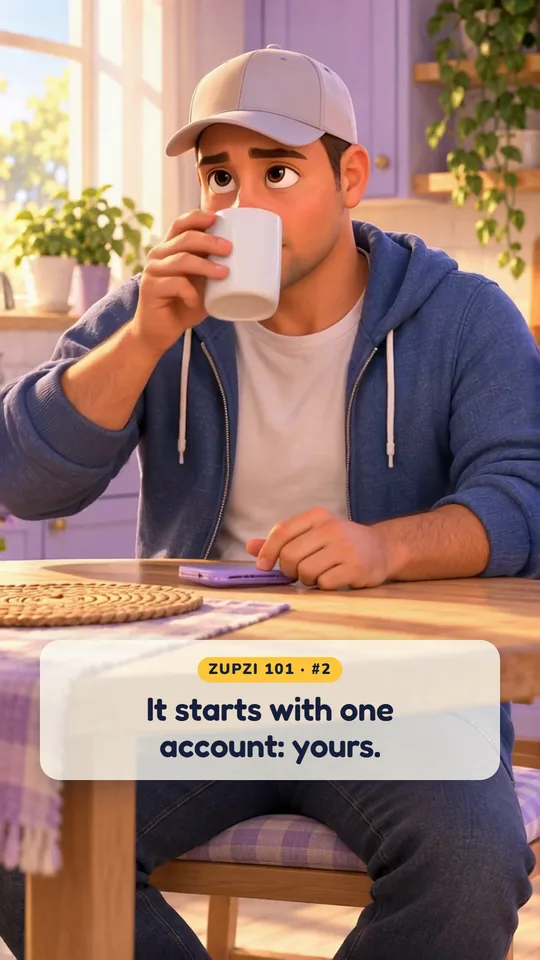
Every Zupzi family starts with one account: yours.
Apple, Google or email. Confirm one link and you're in. Your phone may offer to save the password — that part is your call.
15 episodes · about a minute each · captions on
How it works Sixteen minutes, start to finish.
Every screen in Zupzi, shown once, in the order your family will meet it. Captions are on, sound is optional, and each episode you finish earns you a Star.
You have 15 Stars to earn. They stay on this device.
Now playing · Episode 2 of 15 · Get set up
Every Zupzi family starts with one account: yours.
Apple, Google or email. Confirm one link and you're in. Your phone may offer to save the password — that part is your call.
Your phone, your account, your family, your child.
What she does, what she earns, and her tablet.
5Pick missions, or write your ownFeeding the fish at 7 PM? That can be a mission.1:08
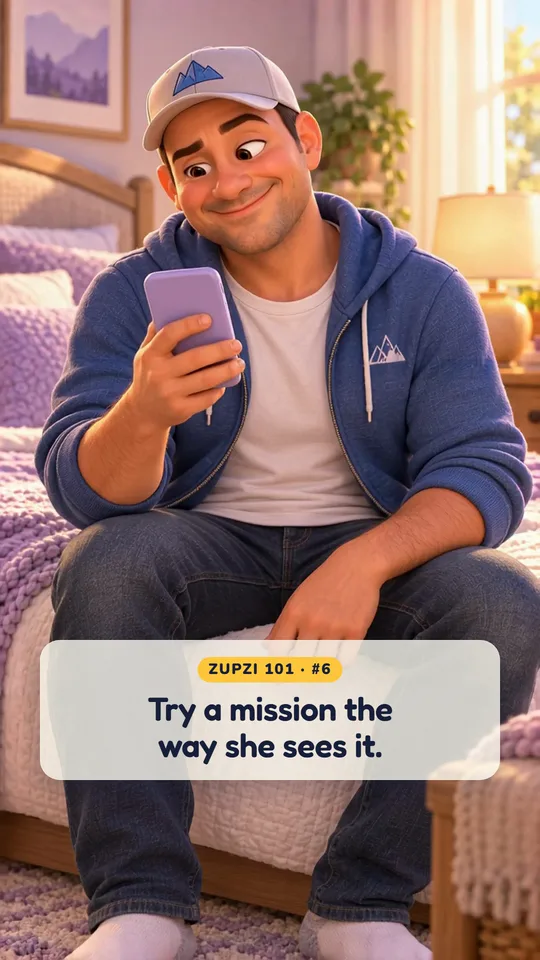
6See it the way your kid doesEver wonder what your kid sees when she opens a mission?1:02
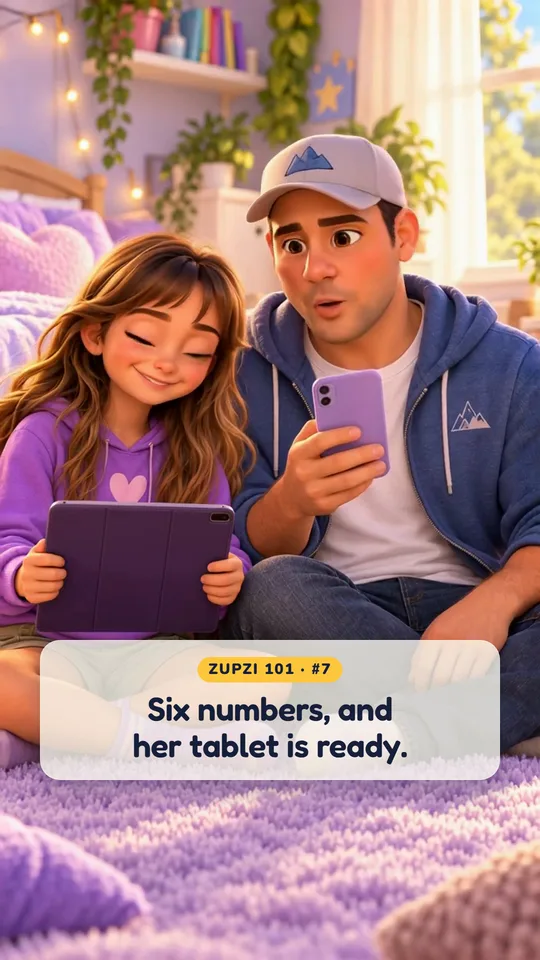
7Set up your kid's tabletSetting up her tablet takes six numbers, read out loud.1:02
8Create rewardsStars mean more when they turn into ice cream.1:04She does it, you say yes, she asks.
The parts that stay off until you turn them on.
12The Safety CenterZuzi stays asleep until you say yes.1:08
13Talk to ZuziYour kid has a new friend to talk to. And you get to read every word.0:57
14Games: ask, unlock, playSome games she plays right away. For the rest, you get the final say.1:10
15Her week, reminders and helpShe can't wait to show you her week.1:10Episode 2 of 15 · Create your parent account
Every Zupzi family starts with one account: yours.
Apple, Google or email. Confirm one link and you're in. Your phone may offer to save the password — that part is your call.
Every Zupzi family starts with one account: yours. Open Zupzi and tap “I'm a parent.” Sign in with Apple, with Google, or with your email. Apple and Google skip the password. We'll tap “Continue with email.” Type your email. Pick one you check, since Zupzi sends you a link. Then a password with at least six characters. Once both are in, the buttons light up. New here? Tap “Create account.” Now open the email from Zupzi and tap the link, then come back and tap “Sign in.” Your iPhone may offer to save the password. Tap “Save” or “Not Now.” And that's it, you're in. Account done. Next up, your family. Zupzi. Built by a family, for families.
More about this: Help & FAQ